
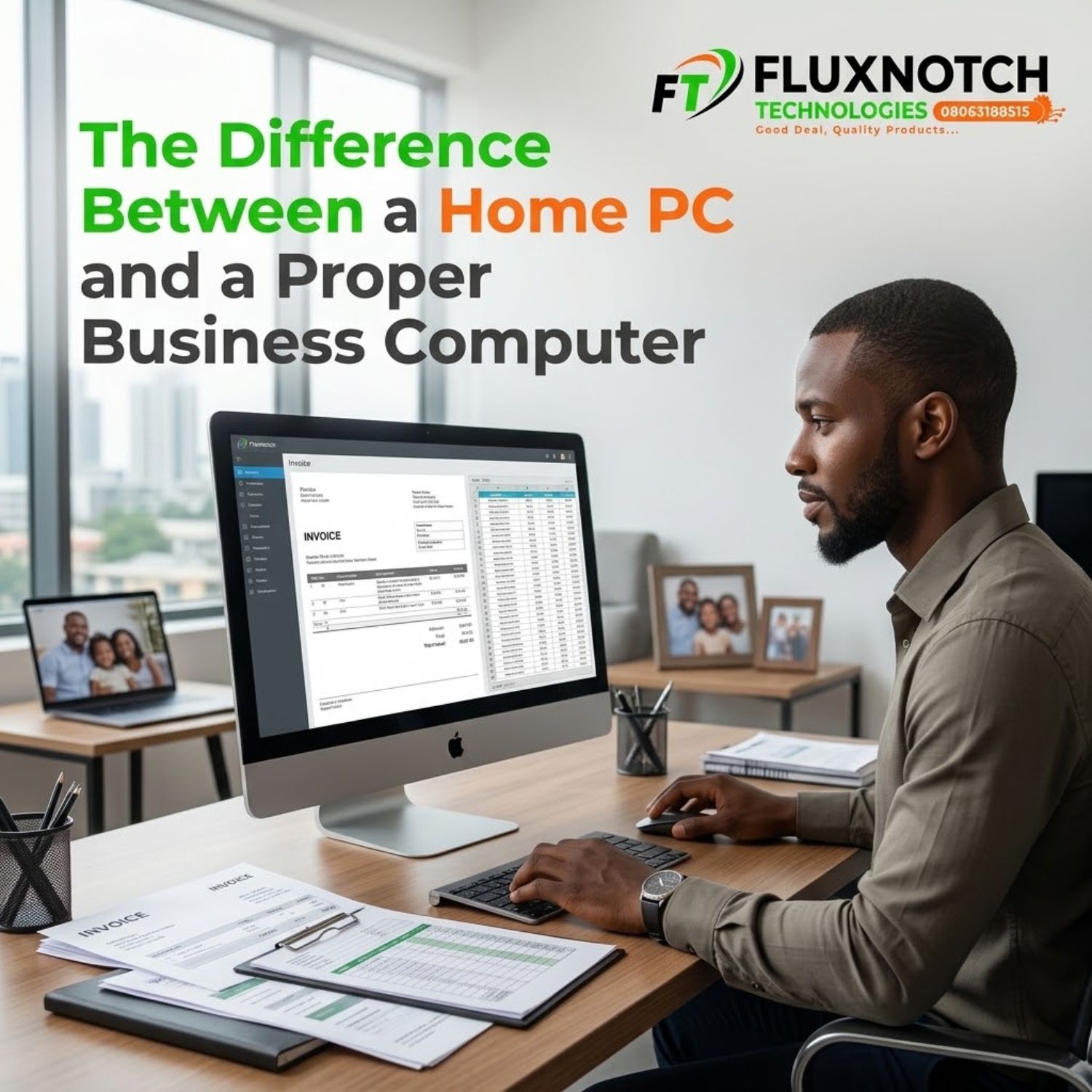
The Difference Between a Home PC and a Proper Business Computer Leave a comment
Introduction
A computer that handles YouTube, browsing, assignments, and occasional documents at home might struggle when you put it in charge of your business. Imagine processing customer orders, preparing invoices, running accounting software, managing inventory, and attending online meetings, all on the same computer. Suddenly, slow performance is not just annoying. It can delay work, frustrate customers, and cost your business money. This is where the difference between a home PC and a proper business computer becomes important.
1. The Difference Is in the Workload, Not Just the Price

A home PC is typically used for everyday activities such as browsing, streaming, schoolwork, personal documents, and light productivity. A business computer, on the other hand, is selected around the demands of a job or organisation. It may need to run multiple applications throughout the day, support several connected devices, handle sensitive business information, and remain dependable during long working hours. That does not mean every home PC is weak or every business computer is powerful. It means the machine should match the work you expect it to perform.
For example, a small shop managing sales and inventory may need a reliable desktop with sufficient RAM, fast SSD storage, and dependable peripherals. An accountant may need a system that handles spreadsheets and financial software smoothly, while a design agency may require stronger processing and graphics performance. Buying a high-priced computer without understanding your workload can waste money, but choosing a system that is too limited can create bigger expenses later.
Need a computer that fits your daily workload? Explore desktop computers at FluxNotch Technologies.
2. Reliability Matters When Your Business Depends on It
At home, a slow computer might mean postponing a movie or finishing an assignment later. In a business, the same problem can interrupt customer service, delay transactions, or prevent staff from accessing important files. Business-focused computers may offer features such as more extensive manufacturer support options, longer warranty choices, remote management capabilities, or components designed for particular professional workloads. Availability varies by model, so these are features to verify rather than assume.
Power conditions also deserve attention in Nigeria. Frequent outages, voltage fluctuations, and unreliable electricity can disrupt work and damage equipment if the setup is not properly protected. A suitable UPS or other appropriate backup solution, good ventilation, and regular maintenance can help reduce avoidable interruptions. The smartest business computer purchase is therefore not just about the PC itself; it is about building a dependable setup around the work it must support.
3. Security, Upgrades, and Support Can Make the Difference
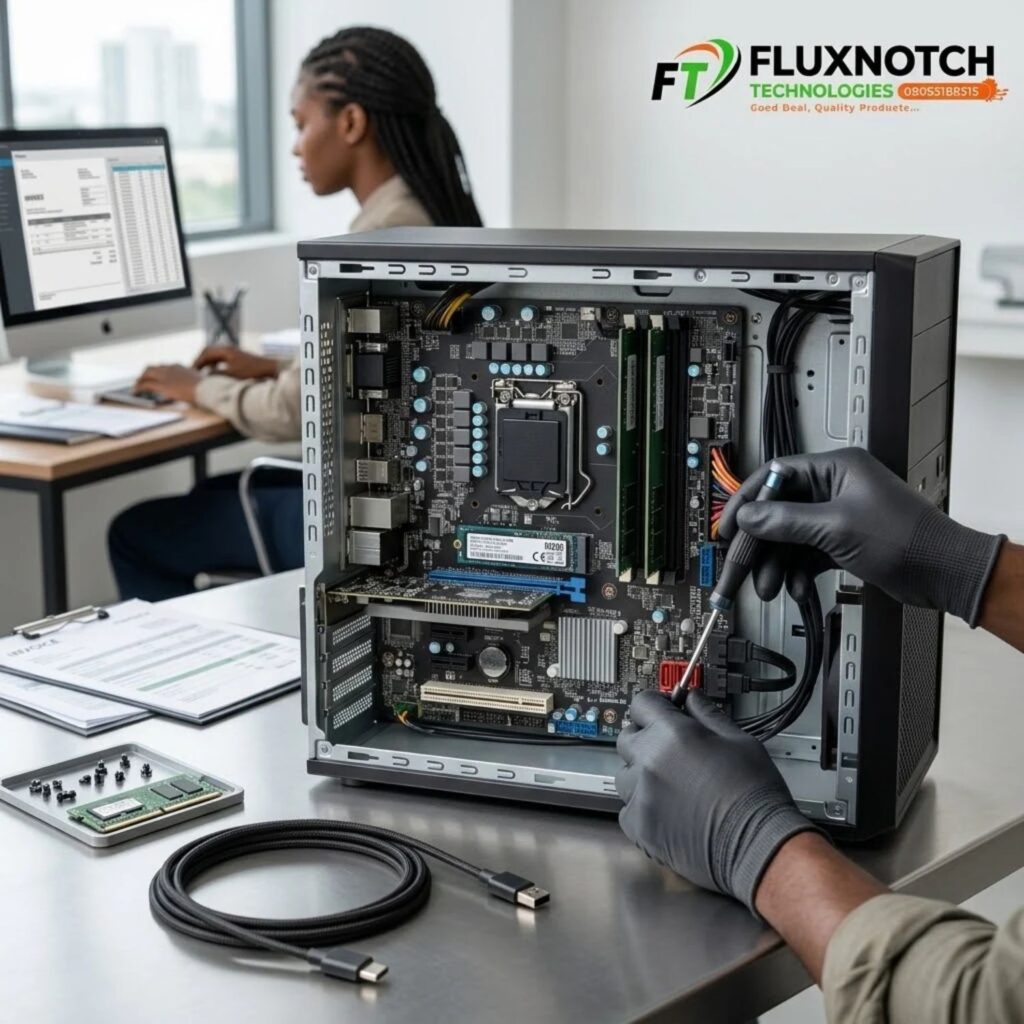
Business computers often need to do more than run applications. They may store customer records, staff information, financial documents, and other confidential data. Depending on the model, a business-focused system may provide useful security features such as a Trusted Platform Module (TPM), support for business security tools, or management features that make it easier for an organisation to control devices. Whatever computer you choose, keep software updated, use strong authentication, and maintain secure backups. A business label alone does not guarantee that a computer is secure.
Think about the future, too. If your business grows, will the computer support additional memory, more storage, extra monitors, or the connections your team needs? Can you get replacement parts and suitable technical support when something goes wrong? Some compact or entry-level PCs have limited upgrade options, while others are easier to maintain. Checking these details before buying can help you avoid replacing an otherwise useful computer too soon.
4. Choose for Value, Not Just the Lowest Price
A cheaper computer may appear to be the better deal until it struggles with everyday tasks, needs an upgrade sooner than expected, or causes repeated delays. At the same time, spending more on a workstation-grade system when your business only needs email, spreadsheets, web applications, and basic accounting may be unnecessary. Consider the total cost of ownership: the purchase price, software requirements, electricity consumption, maintenance, warranty coverage, backup power, and the potential cost of downtime.
Before making your decision, list the applications you use, how many people will share the computer, how long it needs to operate each day, and what would happen if it stopped working. Then compare the processor, RAM, SSD capacity, connectivity, security features, upgradeability, and available support against those needs. A properly selected business computer does not have to be the most expensive model on the market. It needs to do the job reliably, efficiently, and with room for your business to move forward.
Conclusion
The real difference between a home PC and a proper business computer is how well each one supports the work you depend on it to do. A capable home PC may be perfectly suitable for a freelancer or small business with modest requirements, while a busy office may benefit from a system designed for professional workloads, easier maintenance, and stronger support options. Focus on your actual needs rather than the label or price alone.
