
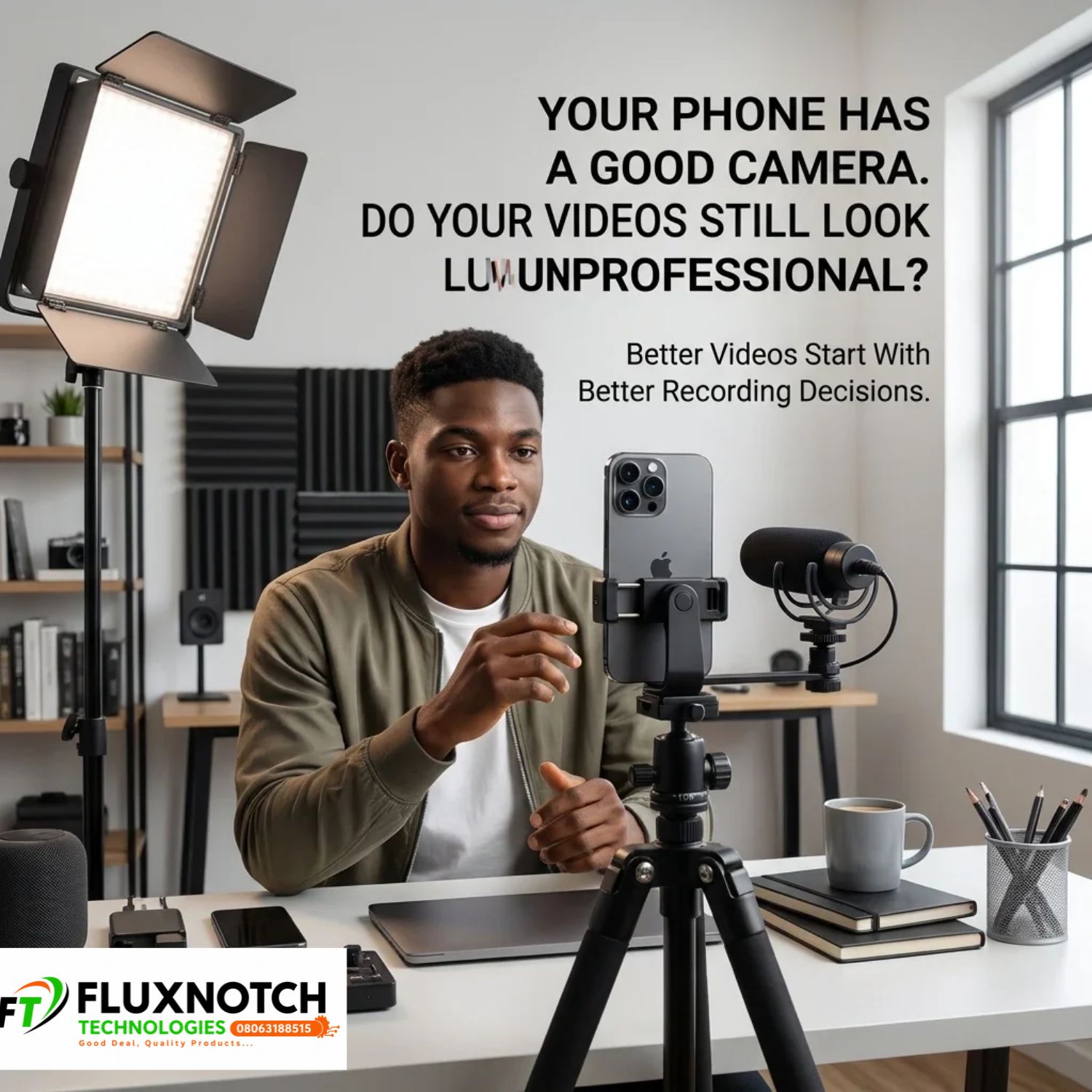
Your Phone Has a Good Camera, Why Do Your Videos Still Look Unprofessional? Leave a comment
Introduction
You bought a smartphone with an impressive camera, expecting to create sharp, beautiful videos for Instagram, TikTok, YouTube or your business. But when you finally record something, the results are disappointing. The footage looks shaky, the lighting is poor, your voice is difficult to hear, or the video simply does not have the quality you expected. You try different angles, clean the camera lens and record again, but something still feels off. So, is your phone camera really the problem?
The truth is that having a good smartphone camera does not automatically guarantee good videos. Factors such as lighting, stabilisation, audio quality and recording settings all influence the final result. Whether you are a content creator, business owner, social media marketer or someone who simply enjoys recording videos, understanding these factors can help you get more out of your device. Welcome to the FluxNotch Technologies Article. In this article, we explore why your smartphone videos may look unprofessional, what you can do to improve them and when investing in better recording equipment makes sense.
A Good Camera Does Not Automatically Produce Good Videos
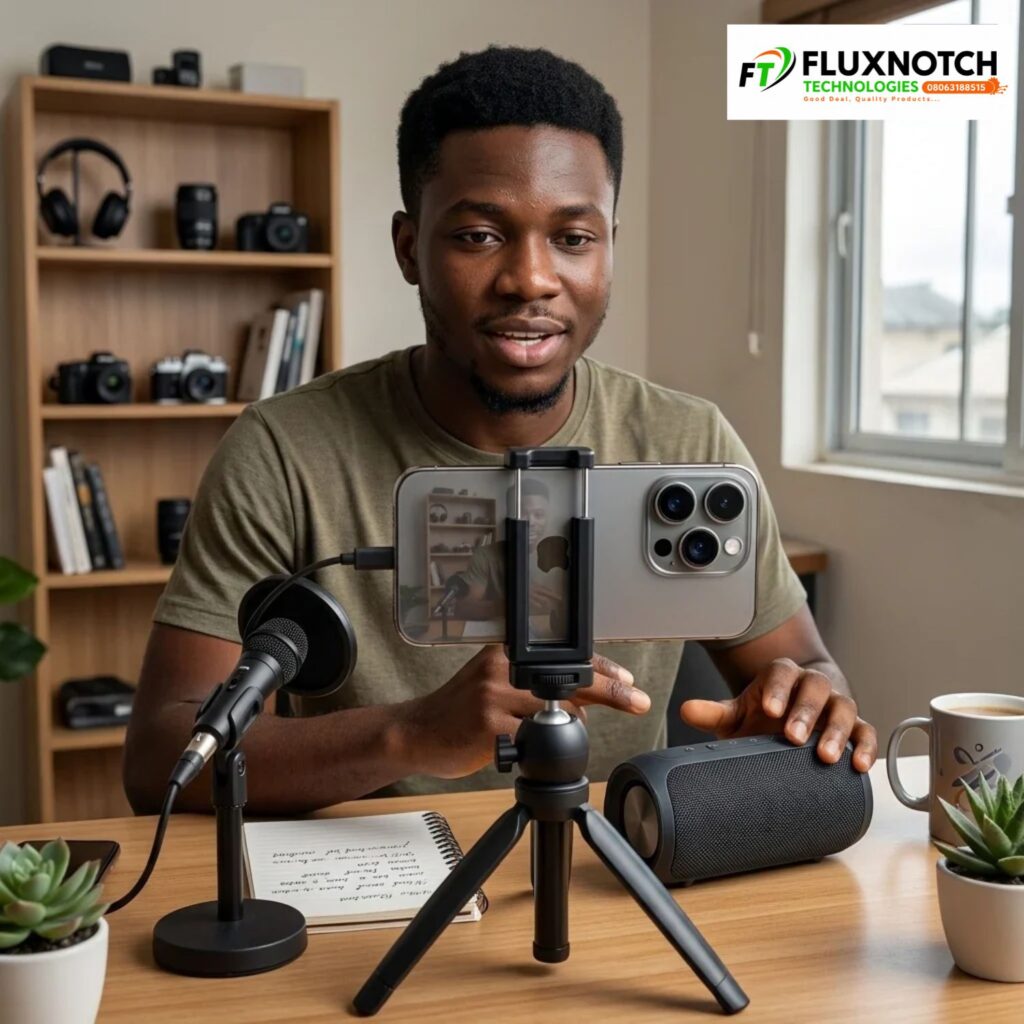
A smartphone may have impressive camera specifications, but that does not mean every video you record will look professional. Camera performance is only one part of the process. Your surroundings, camera movement, focus, exposure and recording settings all influence the final footage. For example, a business owner recording a product demonstration in a poorly lit shop may end up with dull footage, even when using an expensive smartphone. Similarly, a content creator filming while walking may produce shaky videos that are difficult to watch. These problems do not always mean the phone is faulty. Sometimes, the recording conditions are working against the camera.
This is why you should look beyond megapixels when assessing a smartphone’s video capabilities. Consider how well it handles movement, low-light environments, autofocus, exposure and different recording modes. Understanding these features can help you identify whether your current device is capable of producing better results or whether its limitations are holding you back.
Poor Lighting Can Make an Expensive Phone Look Cheap
One of the easiest ways to ruin an otherwise good video is to record in poor lighting. When there is not enough light, your smartphone may struggle to capture clear details, resulting in grainy footage, dull colours and inconsistent exposure. This is particularly noticeable when recording indoors, in shops, offices or homes with limited natural light. On the other hand, recording directly under harsh sunlight can create unwanted shadows and make parts of your video appear too bright. Even a smartphone with strong camera capabilities can struggle when the lighting conditions are unsuitable.
The good news is that you do not always need expensive equipment to improve your lighting. Positioning yourself near a window can provide useful natural light, while a ring light or LED video light can help when recording indoors or after sunset. If you regularly create product videos, tutorials or talking-head content, investing in suitable lighting equipment can make your footage look more balanced and consistent.
Shaky Footage Can Ruin an Otherwise Good Video
Imagine recording a property tour, fashion video or product demonstration, only for the footage to shake every time you move your hand. Even when the subject looks good and the lighting is right, excessive camera movement can make the video feel distracting and unprofessional. This is where video stabilisation becomes important. Some smartphones use Optical Image Stabilisation (OIS), which physically compensates for certain camera movements, while Electronic Image Stabilisation (EIS) uses software to reduce unwanted shaking. However, stabilisation performance varies between devices and recording modes, so it is worth checking what your phone actually supports.
You can also improve stability without changing your smartphone. A tripod or phone holder is useful for stationary recordings, interviews and product demonstrations, while a gimbal can help produce smoother footage when walking or moving around. The right option depends on what you record. You do not need a gimbal for every video, but you should not expect handheld footage to remain perfectly smooth in every situation.
Your Recording Settings May Be Limiting Your Video Quality
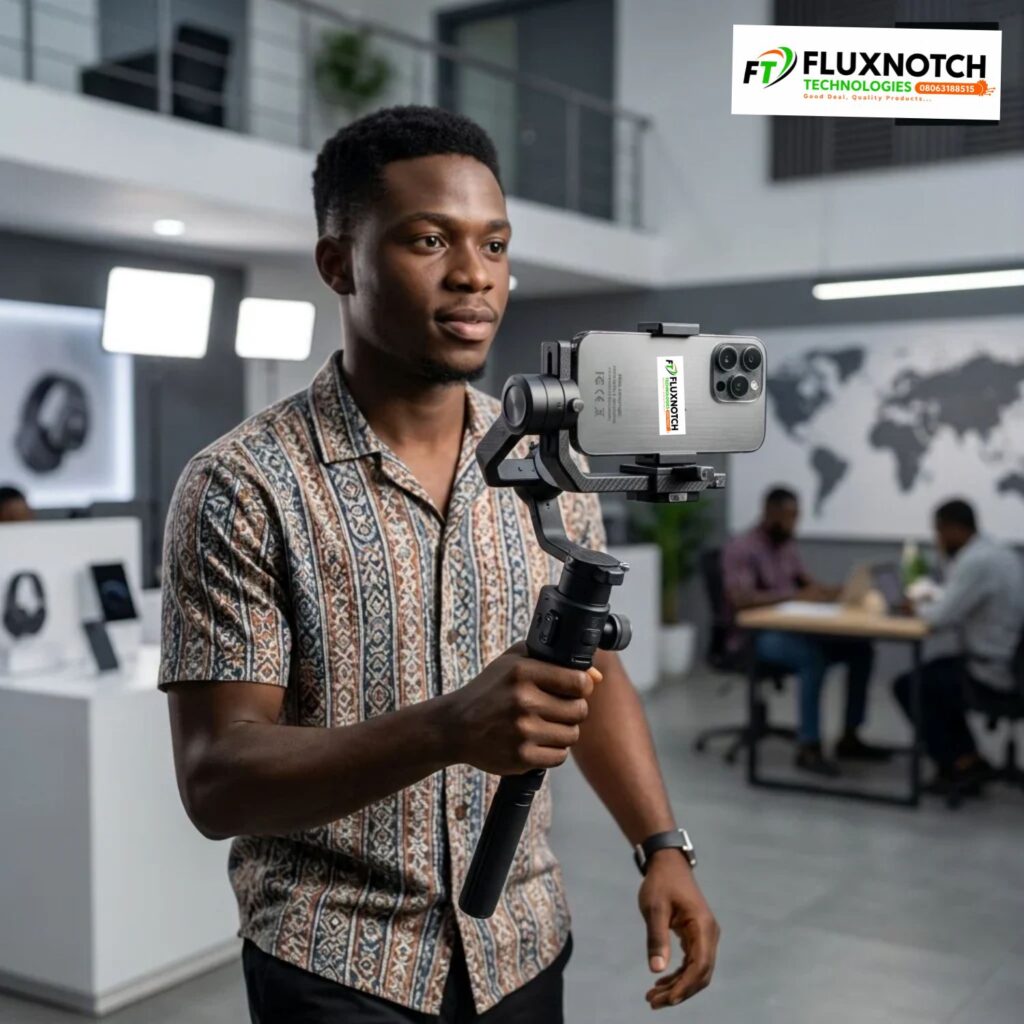
Your smartphone may be capable of recording better videos than you realise, but are you using the right settings? Many users simply open their camera app and press record without checking the available options. Resolution and frame rate, for example, can influence how your footage looks. Recording in 1080p is often sufficient for everyday social media videos, while 4K can capture more detail when you need higher-resolution footage and have enough storage space. Frame rates also matter: 30 frames per second works well for many everyday recordings, while 60fps can produce smoother-looking motion, depending on how the footage is used.
Other features, including autofocus, exposure control, white balance and HDR video, can also influence your results where supported. Take some time to explore your camera settings and understand what each option does before assuming your phone cannot produce better footage. However, remember that higher resolution does not automatically mean better content. Recording in 4K can consume more storage, require more processing power and create larger files to upload or edit. Choose settings that suit your content, available storage and editing needs.
Clear Audio Matters as Much as Clear Video
You could record a beautifully lit video with steady footage and still lose your audience because they cannot hear what you are saying. Poor audio is one of the reasons smartphone videos can feel unprofessional, especially when recording in noisy environments. Think about filming a product review near a busy road, recording a tutorial in an office with background conversations or creating content in an area where generators and traffic are common. Your phone’s built-in microphone may pick up more surrounding noise than you want, making your voice difficult to understand. Good visuals can attract attention, but clear audio helps people follow and enjoy your content.
An external microphone can make a noticeable difference, particularly for talking-head videos, interviews, tutorials and product demonstrations. Lavalier microphones are useful when you need to keep the microphone close to your voice, while wireless options offer more freedom to move around. Before buying one, check that it is compatible with your smartphone’s connection type and recording setup. A microphone that cannot connect properly to your device will not solve your audio problem.
When Should You Improve Your Setup, and When Should You Upgrade Your Phone?
Before spending money on another smartphone, identify what is actually wrong with your videos. If your footage looks dark, improving your lighting may be more useful than buying a new phone. If your recordings shake, a tripod or gimbal could be a more practical investment. If people struggle to hear you, an external microphone may solve the problem. These improvements can help you get more value from a smartphone you already own, particularly if its camera still meets your recording needs. For creators and small business owners working with limited budgets, spending wisely matters more than buying equipment simply because it looks impressive.
However, an upgrade may be worthwhile if your current phone struggles with the video quality, stabilisation, storage capacity or recording features your work requires. When comparing smartphones, look beyond megapixels and consider video resolution, supported frame rates, stabilisation, low-light performance, autofocus, battery life and available storage. Also think about the accessories you may need and whether the device supports them. The aim is not to own the most expensive phone, but to build a recording setup that consistently produces the quality your content demands.
Conclusion: Better Videos Start With Better Recording Decisions
A good smartphone camera is a useful starting point, but it is not the only thing that determines video quality. Poor lighting can make footage look dull, shaky recordings can distract viewers, unsuitable camera settings can limit your results, and unclear audio can make people lose interest. These are important factors to consider whether you create social media content, promote a business, record tutorials or capture everyday moments.
Before upgrading your phone, take time to understand what is affecting your recordings. Check your camera settings, improve your lighting, keep your phone steady and pay attention to audio quality. You may discover that a few practical adjustments or carefully selected accessories are all you need. If your current smartphone genuinely cannot meet your recording demands, consider upgrading to a device with the right video capabilities, sufficient storage and compatibility with the accessories you need.
At FluxNotch , you can explore smartphones and mobile accessories to help you build a more capable video recording setup. Choose equipment based on the content you create, the quality you need and what your budget can comfortably support.
Visit FluxNotch Technologies today and take the next step towards creating better smartphone videos.
