
Building a Gaming Setup on a Nigerian Budget? Start Here. Leave a comment
Introduction
Imagine you’ve finally decided to build your own gaming setup. You’ve been watching gaming videos, admiring impressive desk setups and thinking about having one of your own. You pick up your phone, search for gaming PCs, monitors, keyboards, mice and headsets, hoping to figure out where to start. But before long, you’re overwhelmed by unfamiliar specifications, endless product options and prices that keep getting higher. One gaming PC costs several hundred thousand naira, another costs much more, and the accessories you thought would be affordable are adding even more to the bill. Eventually, you get tired of comparing options and start wondering whether building a proper gaming setup is even possible with your budget. If this sounds familiar, you’ve come to the right place. Contrary to what many beginners believe, you don’t need an expensive gaming PC or a desk filled with premium accessories to enjoy a good gaming experience. What matters is understanding your gaming needs, choosing compatible equipment and knowing where your money will make the biggest difference.
The good news is that you don’t have to purchase everything at once. If your budget is limited, you can start with the essential equipment and gradually add other accessories as your finances allow. You might begin with a capable gaming device, then invest in a suitable monitor, keyboard, mouse and headset when you’re ready. This guide will show you how to build a gaming setup on a Nigerian budget, which equipment deserves priority, what you can postpone and how to avoid spending money on features you may not need. We’ll also explore practical considerations such as electricity, internet connectivity and equipment compatibility to help you make informed purchasing decisions. By the end, you’ll have a clearer idea of how to build a functional gaming setup without putting unnecessary pressure on your finances. Welcome to FluxNotch Technologies. Let’s help you build a gaming setup that works for your games, your budget and your lifestyle.
1. Start with the Right Gaming Device — Build Around What You Play
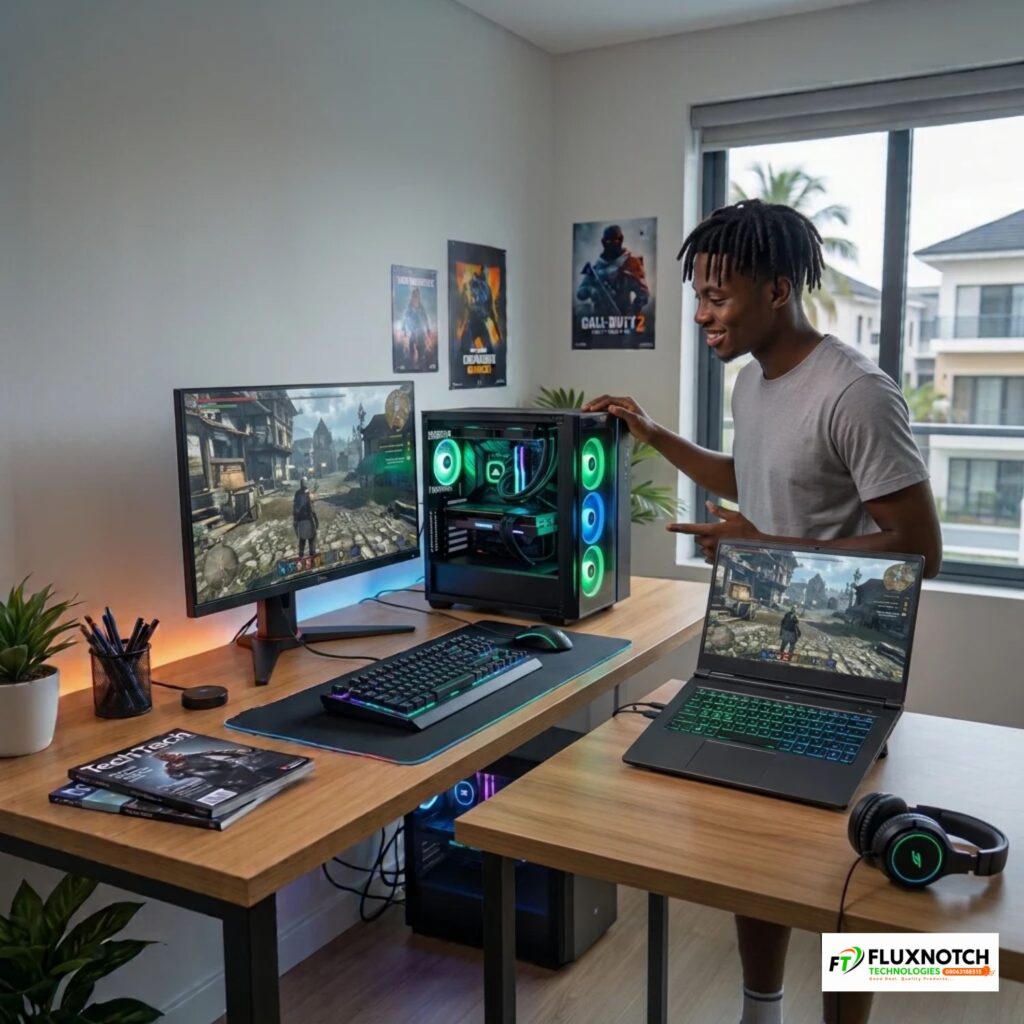
Before buying gaming accessories, choosing a monitor or worrying about how your gaming desk will look, you need to decide what device will power your setup. This is where many beginners make an expensive mistake. They assume a good gaming experience requires the most powerful PC they can afford, without considering what they actually need. A gaming laptop is ideal if you value portability and want to play in different locations, while a desktop gaming PC is worth considering if you have a dedicated space and want more flexibility to upgrade components over time. Then there are gaming consoles, which offer a more straightforward gaming experience without requiring you to worry about individual PC specifications. Each option has its advantages, so your decision should depend on your budget, available space and the games you enjoy playing.
Once you’ve chosen your preferred device, pay attention to its specifications. The processor (CPU), graphics card (GPU), RAM and storage all influence how well your system performs, but you don’t need the most expensive combination to get started. Consider the requirements of your favourite games before spending more on hardware you may never fully use. For example, someone who enjoys casual games may not need the same processing power as someone playing demanding, graphics-intensive titles. Choose a gaming device that comfortably handles your preferred games while leaving enough money for other essentials such as a monitor, keyboard, mouse and headset. Explore the gaming laptops, desktop computers and components available at FluxNotch Technologies to find an option that matches your needs and budget.
2. Choose a Monitor That Matches Your Budget — Don’t Pay for Performance You Can’t Use
Your monitor plays a bigger role in gaming than you might think. After all, it is where you experience the graphics, movement and details your gaming device produces. However, choosing one isn’t just about picking the biggest screen or the most expensive model. You need to consider factors such as screen size, resolution, refresh rate and response time. Resolution determines how sharp and detailed the images appear, while refresh rate measures how many times your screen updates every second. For instance, a standard 60Hz monitor refreshes 60 times per second, while a 144Hz monitor refreshes 144 times per second, making fast movements appear smoother when your gaming device can produce enough frames. Higher refresh rates can be useful for competitive games where quick reactions matter, but that doesn’t mean every gamer needs a 144Hz or 240Hz display. If your PC struggles to deliver the necessary performance, you may end up paying for features you cannot fully enjoy.
The smarter approach is to match your monitor to your gaming device and the games you play. If you mainly enjoy casual or less demanding games, an affordable monitor with a suitable resolution and refresh rate may be all you need. However, if you play competitive shooters or fast-paced games, investing in a higher-refresh-rate display could make a noticeable difference. Also, don’t overlook response time, which affects how quickly pixels change colour and can influence motion clarity. Rather than spending your entire budget on an expensive gaming monitor, choose one that complements your system and gives you the performance you can actually use. Explore the gaming monitors available at FluxNotch Technologies and find a display that delivers the right balance of visual quality, performance and affordability.
3. Invest in Essential Gaming Peripherals — Small Accessories Make a Difference
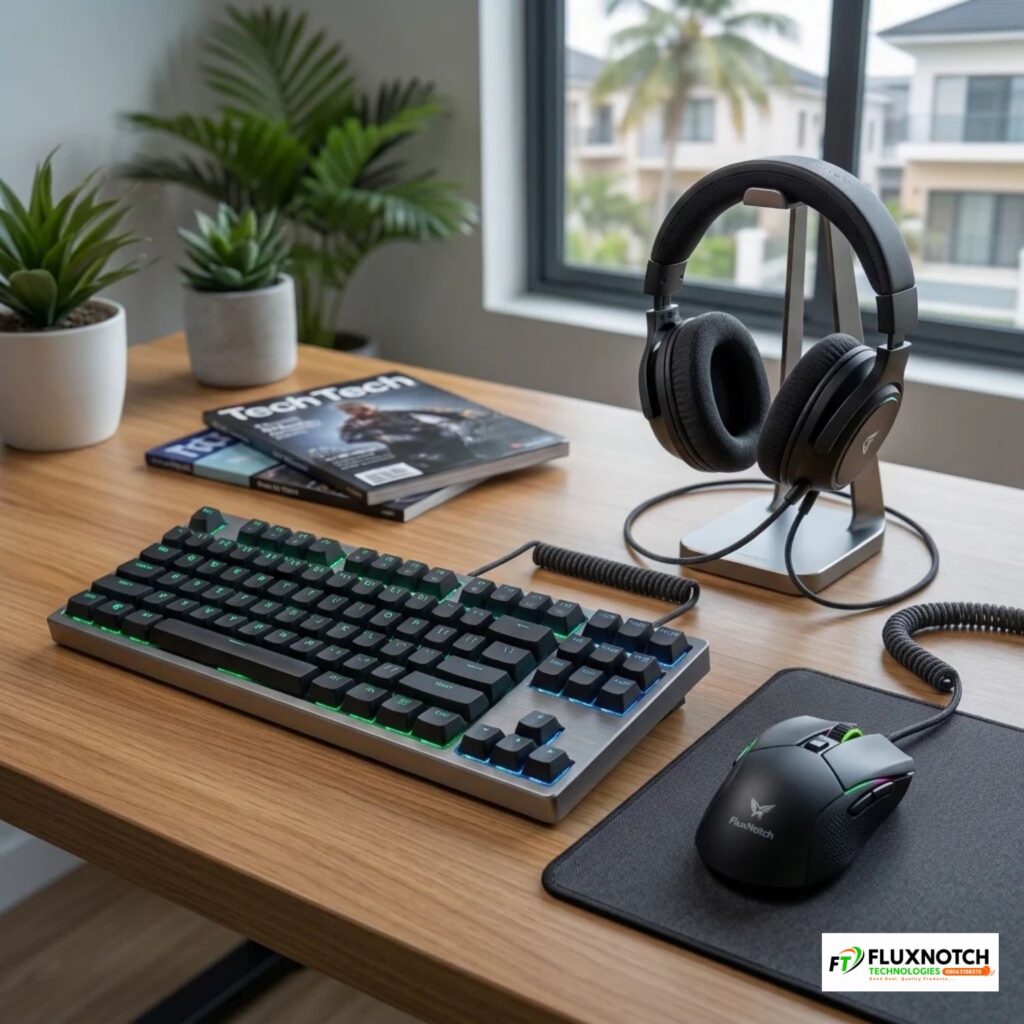
Once you have your gaming device and monitor sorted, it’s time to think about the accessories you’ll use every time you play. A reliable gaming mouse, keyboard, and headset can noticeably improve your comfort, control, and overall experience. For instance, mechanical keyboards often provide more tactile feedback and distinct key responses, while membrane keyboards are generally more affordable and can work perfectly well for casual gaming. When choosing a gaming mouse, pay attention to its sensor quality, comfort and DPI (a measure of how sensitive the mouse is to movement). A higher DPI number doesn’t automatically mean a better mouse, so focus on how accurately and comfortably it responds. You should also consider wired and wireless options. Wired accessories are often more affordable and don’t require charging, while wireless models offer greater freedom of movement but may require battery management. For headsets, prioritise clear sound, a good microphone and comfortable ear cushions, especially if you enjoy multiplayer games that require communication with other players.
However, this is where many budget-conscious gamers get carried away. Some spend too much on accessories with colourful RGB lighting and impressive designs, while others settle for the cheapest options available and end up replacing them after a short time. Neither approach is particularly smart. Poor mouse tracking, uncomfortable keyboard keys, weak headset audio and unreliable wireless connections can quickly become frustrating during gameplay. Your priority should be functionality, comfort and durability, not how many lights your accessories have. Start with dependable gaming peripherals that suit the games you play, then consider more decorative or premium upgrades when your budget allows. Explore gaming keyboards, mice, headsets and other accessories at FluxNotch Technologies to find the essentials for your setup.
4. Prepare for Power and Internet Challenges — Your Gaming Setup Needs Reliability
You can have an excellent gaming PC, a high-refresh-rate monitor and quality peripherals, but unreliable electricity or internet can still ruin your gaming experience. In Nigeria, sudden power interruptions can cut short gaming sessions, interrupt important online matches and, in some cases, expose your computer to risks associated with unexpected shutdowns and unstable power supply. This is why a suitable UPS or inverter may be worth considering, depending on your setup and budget.
However, don’t just buy any backup power device because it is advertised as powerful. Check your gaming PC’s power consumption, the combined wattage of the equipment you intend to connect and the backup capacity you need. Your internet connection also deserves attention. A fast subscription does not automatically guarantee smooth online gaming because ping and latency affect how quickly your actions register in a game. A reliable router, suitable networking equipment and an Ethernet cable can help improve connection consistency, with a wired connection often providing more stable performance than Wi-Fi.
Prioritise the power and connectivity solutions that address your actual challenges, rather than spending money on equipment you don’t need. Explore UPS systems, backup power solutions, routers and networking accessories at FluxNotch Technologies to keep your gaming setup better prepared for uninterrupted play.
5. Know What to Buy Now and What Can Wait — Upgrade Without Overspending
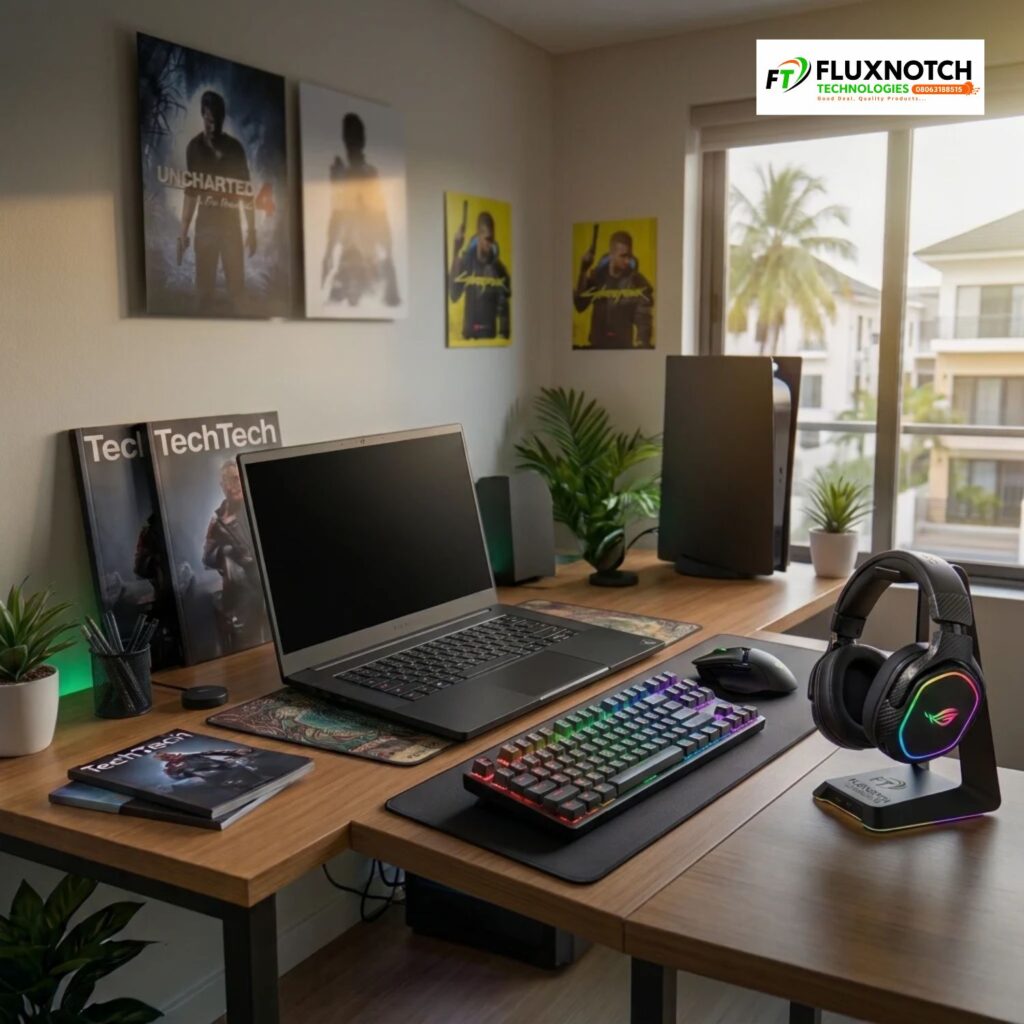
One mistake many beginners make when building a gaming setup is assuming they need everything they see in expensive gaming rooms on social media. Gaming chairs, specialised desks, RGB lighting, controller stands, decorative desk mats and premium speakers can make a setup look impressive, but they aren’t all essential when you’re starting out.
Spending a large part of your budget on these extras could leave you with less money for equipment that directly affects your gaming experience. Instead, prioritise your gaming device, monitor, keyboard, mouse and headset first. You can use your existing desk and a comfortable chair temporarily, provided they offer enough space and support for your gaming sessions. However, if you regularly spend several hours playing, investing in a suitable gaming chair and dedicated desk can improve comfort and make your setup more practical.
The smarter approach is to separate what you need now from what you can comfortably purchase later. Start with the essentials, then gradually explore gaming chairs, desks, lighting and other accessories as your budget allows. This way, you can build a functional and comfortable gaming environment without unnecessary financial pressure. Explore the gaming furniture and accessories available at FluxNotch Technologies when you’re ready to take your setup further.
6. Conclusion — Build a Setup That Works for Your Budget
Building a gaming setup in Nigeria doesn’t have to mean spending a fortune or purchasing every accessory at once. Start by choosing a gaming device that handles the games you enjoy, then invest in a suitable monitor and essential peripherals. Don’t overlook reliable electricity and internet connectivity, as these can make a significant difference to your overall gaming experience. Most importantly, understand your priorities and upgrade gradually instead of spending money trying to recreate expensive setups you see online.
The smartest gaming setup isn’t necessarily the most expensive one. It’s the one that delivers the experience you want, supports your gaming habits and fits comfortably within your budget. Ready to start building yours? Explore gaming laptops, desktop computers, monitors, peripherals and other gaming accessories at FluxNotch Technologies to find equipment that matches your needs.
