
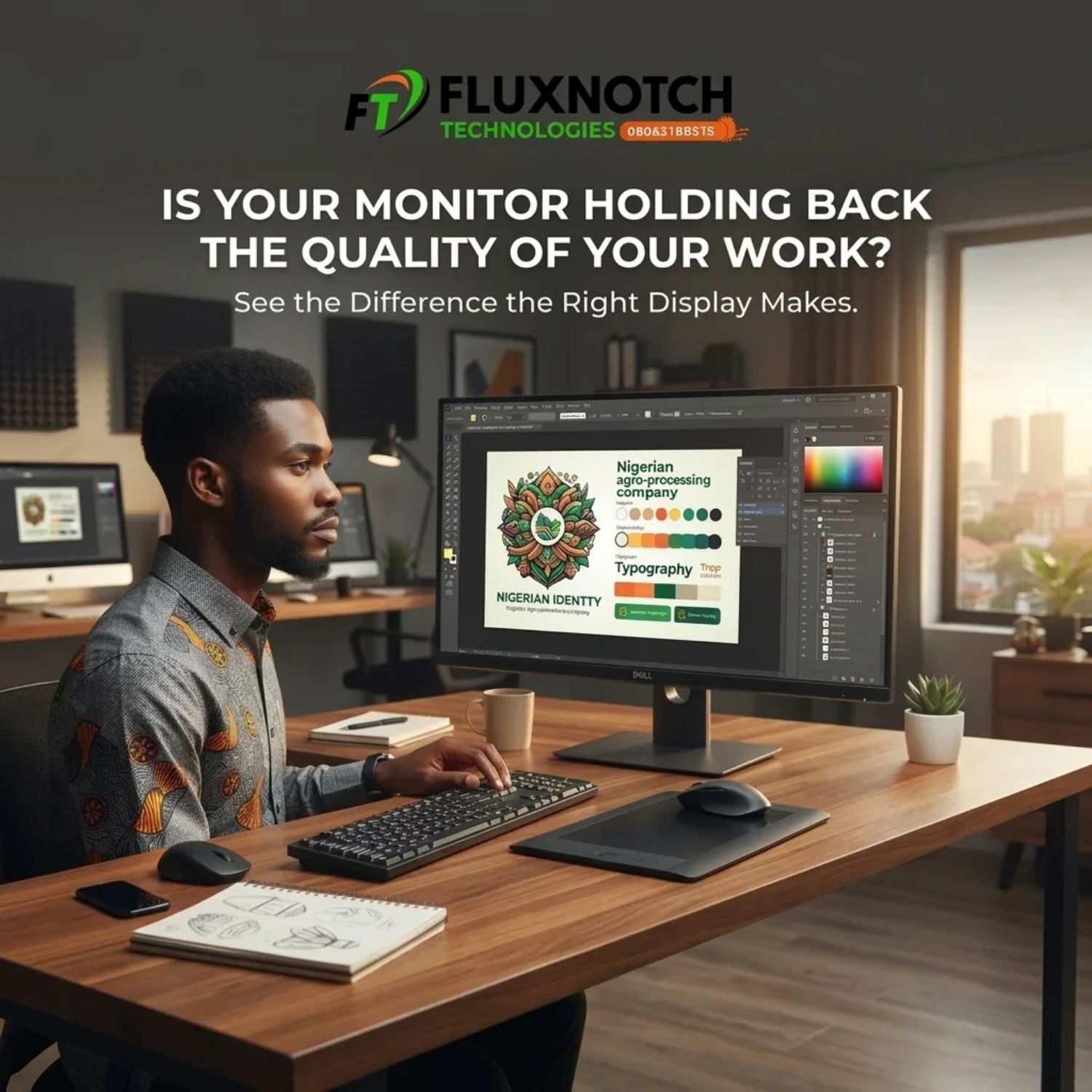
Is Your Monitor Holding Back the Quality of Your Work? Leave a comment
Introduction
Imagine spending hours designing a brand identity for a client. You’ve carefully selected the colours, adjusted the typography and perfected every detail. Everything looks excellent on your screen, so you send the design for approval. However, when your client opens it on another device, the colours look different, some details appear less defined and the overall presentation doesn’t quite match what you created. Now you’re wondering whether the problem is your design, your software or something else entirely. A similar situation can happen to video editors struggling to judge colours in their footage, photographers trying to preserve image details and professionals working with multiple applications on a cramped display. Sometimes, the problem isn’t your skill or the computer you’re using. It could be the monitor you’re relying on every day.
Your monitor is more than just a screen for viewing your work. It influences how accurately you see colours, how clearly you inspect details and how comfortably you manage your daily tasks. Yet, many professionals invest in powerful computers, expensive software and other creative tools without giving the display the same attention. If your monitor doesn’t match your workload, you could be making your job more difficult than it needs to be. In this guide, we’ll explore the display features that matter, the differences between monitor technologies and how to choose a screen that supports the quality of work you’re expected to deliver. Whether you’re a graphic designer, video editor, photographer or digital professional, this guide will help you make a more informed decision.
Welcome to FluxNotch Technologies. Let’s look at whether your monitor is truly supporting the quality of your work.
Colour Accuracy Matters — Are You Seeing the Colours You’re Actually Creating?
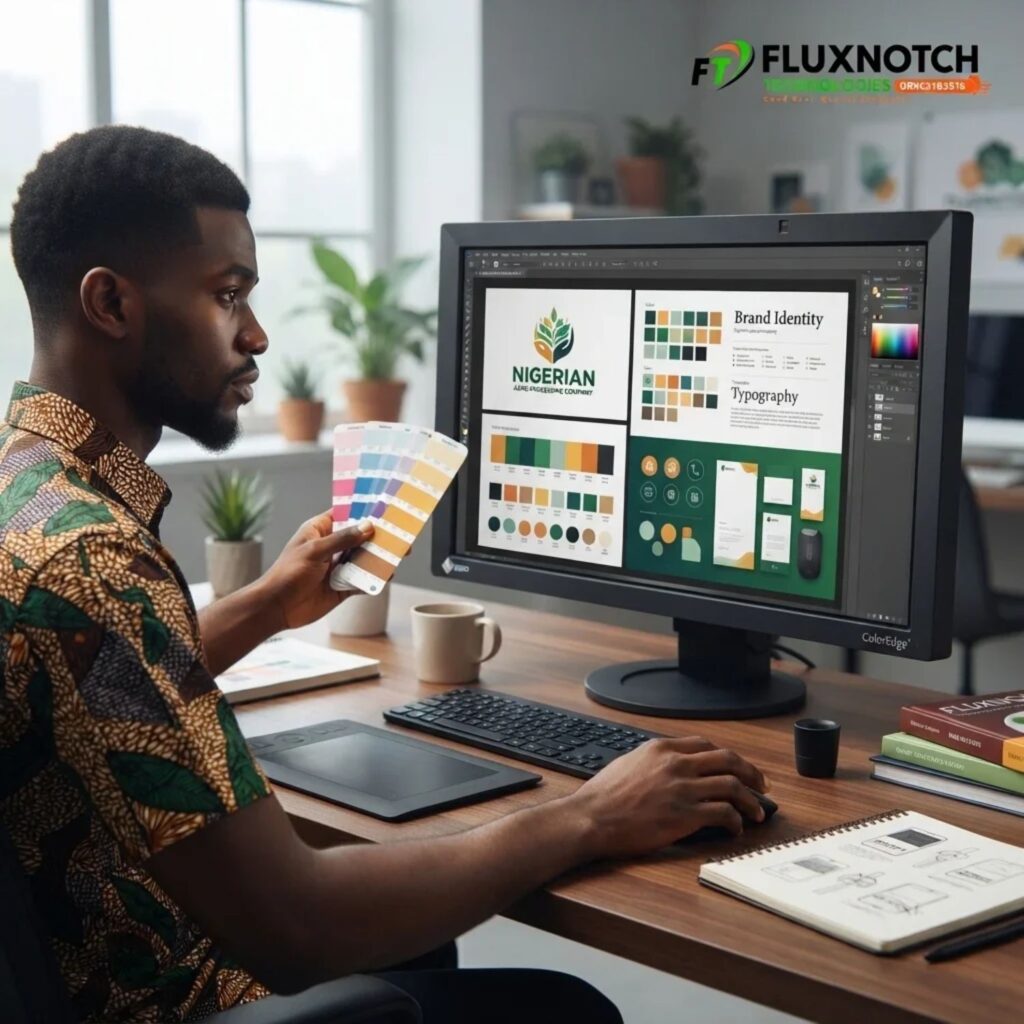
If your work involves designing graphics, editing photographs or producing videos, colour accuracy should be one of your biggest considerations when choosing a monitor. Imagine creating a brand identity using a specific shade of blue, only for your client to view it on another screen and notice that it looks completely different. This can create unnecessary revisions, misunderstandings and doubts about the quality of your work. The problem is that not every monitor reproduces colours in the same way. Some displays make colours appear more saturated or vibrant than they actually are, which can give you a misleading impression of your designs. This is why a screen that looks colourful isn’t necessarily a colour-accurate screen. You need a monitor that can reproduce colours consistently and as close to their intended appearance as possible.
One specification worth understanding is colour gamut, which describes the range of colours a monitor can reproduce. For example, sRGB is widely used for web graphics and digital content, while Adobe RGB offers a wider colour range that can be useful for certain photography and print workflows. DCI-P3 is also relevant for video and digital cinema work. You may also come across Delta E, a measurement used to describe differences between intended and displayed colours; generally, lower values indicate more accurate reproduction. Some monitors come factory-calibrated, while others may require additional calibration for professional colour work. Your choice should depend on the type of content you create and where it will be viewed or published.
Explore the monitors available at FluxNotch Technologies to find a display with colour performance suited to your creative workload.
Resolution and Screen Size — Do You Have Enough Room to Work With Details?
A monitor can display your work perfectly well at first glance, but what happens when you need to inspect small details, edit high-resolution images or manage several applications at once? A designer working on a detailed illustration may constantly zoom in and out to adjust individual elements, while a video editor might struggle to manage a lengthy timeline on a screen with limited workspace. This is where resolution and screen size become important. Screen resolution refers to the number of pixels used to display an image, and higher resolutions generally provide more detail and workspace. Common options include Full HD (1920 × 1080), QHD (2560 × 1440) and 4K UHD (3840 × 2160). A higher-resolution monitor can make text, images and design elements appear sharper, which can be particularly useful when working with detailed visual content.
However, resolution shouldn’t be considered separately from screen size. A 27-inch QHD monitor, for instance, can offer a useful balance of workspace and image sharpness for many professionals, while a 4K display may be worth considering if you regularly work with high-resolution images, detailed video footage or complex visual projects. Screen size also influences how comfortably you can arrange windows and manage multiple tasks without constantly switching between them. But don’t assume that the biggest or highest-resolution display is automatically the best choice. Consider your computer’s graphics capabilities, available desk space, viewing distance and the applications you use regularly.
Panel Technology and Display Quality — Not Every Monitor Shows Images the Same Way
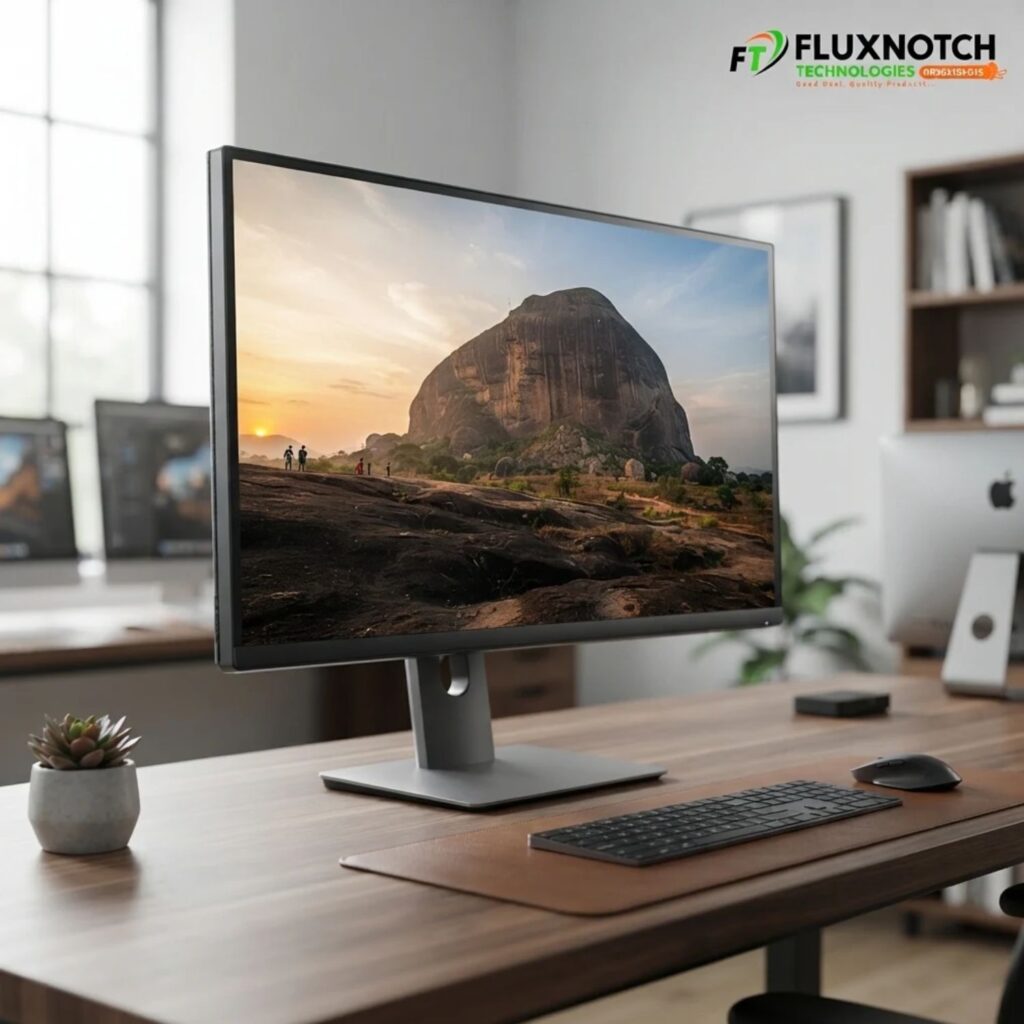
Have you ever noticed that two monitors can display the same image but produce noticeably different results? One might show deeper blacks, another may reproduce colours more consistently, while a third could appear less impressive when viewed from an angle. This happens partly because monitors use different panel technologies, and each has its strengths and limitations. The three common types you’ll encounter are IPS, VA and TN panels. IPS (In-Plane Switching) monitors are popular among designers and other creative professionals because they generally offer good colour consistency and wide viewing angles. VA (Vertical Alignment) panels typically provide stronger contrast, which can be useful when viewing darker scenes or watching video content. TN (Twisted Nematic) panels have traditionally been valued for fast response times, although they generally offer more limited viewing angles and colour performance than many IPS displays. Understanding these differences can help you avoid choosing a monitor based on its appearance alone.
Beyond panel technology, pay attention to brightness and contrast. Brightness affects how clearly you can view the screen in different lighting conditions, while contrast describes the difference between the darkest blacks and brightest whites a display can produce. If you work in a brightly lit office, an anti-glare screen can also help reduce distracting reflections. However, no single panel type is perfect for every professional. A graphic designer may prioritise colour consistency, while someone working primarily with video may place greater importance on contrast and overall image quality. The important thing is to understand what your work demands before making a purchase.
Your Monitor Should Match the Work You Do — Different Professionals Have Different Needs
One common mistake when buying a monitor is choosing one simply because it is popular, affordable or recommended by someone else. The truth is that a monitor suitable for general office work may not provide everything a professional designer or video editor needs. Consider a graphic designer working on logos, marketing materials and brand identities. Colour accuracy, suitable colour coverage, resolution and consistent viewing angles should be important considerations. A video editor, on the other hand, may need a larger display with good colour reproduction, contrast and enough workspace to manage video timelines and editing tools. Photographers should pay attention to colour accuracy, tonal detail, resolution and calibration, particularly when preparing images for clients or print. Meanwhile, architects and CAD professionals may benefit from larger, higher-resolution screens that make detailed drawings and complex layouts easier to inspect.
For digital marketers, content managers and other office professionals, the priorities may be slightly different. A comfortable screen with clear text, sufficient workspace and good multitasking capabilities could make everyday activities more convenient. You don’t necessarily need a specialised professional monitor for every type of work, and spending more doesn’t automatically guarantee better results. What matters is identifying the features that directly support your responsibilities. Before upgrading, consider the applications you use, the type of files you handle and the level of visual accuracy your work demands.
Don’t Overlook Comfort and Connectivity — Your Monitor Is Part of Your Daily Workflow
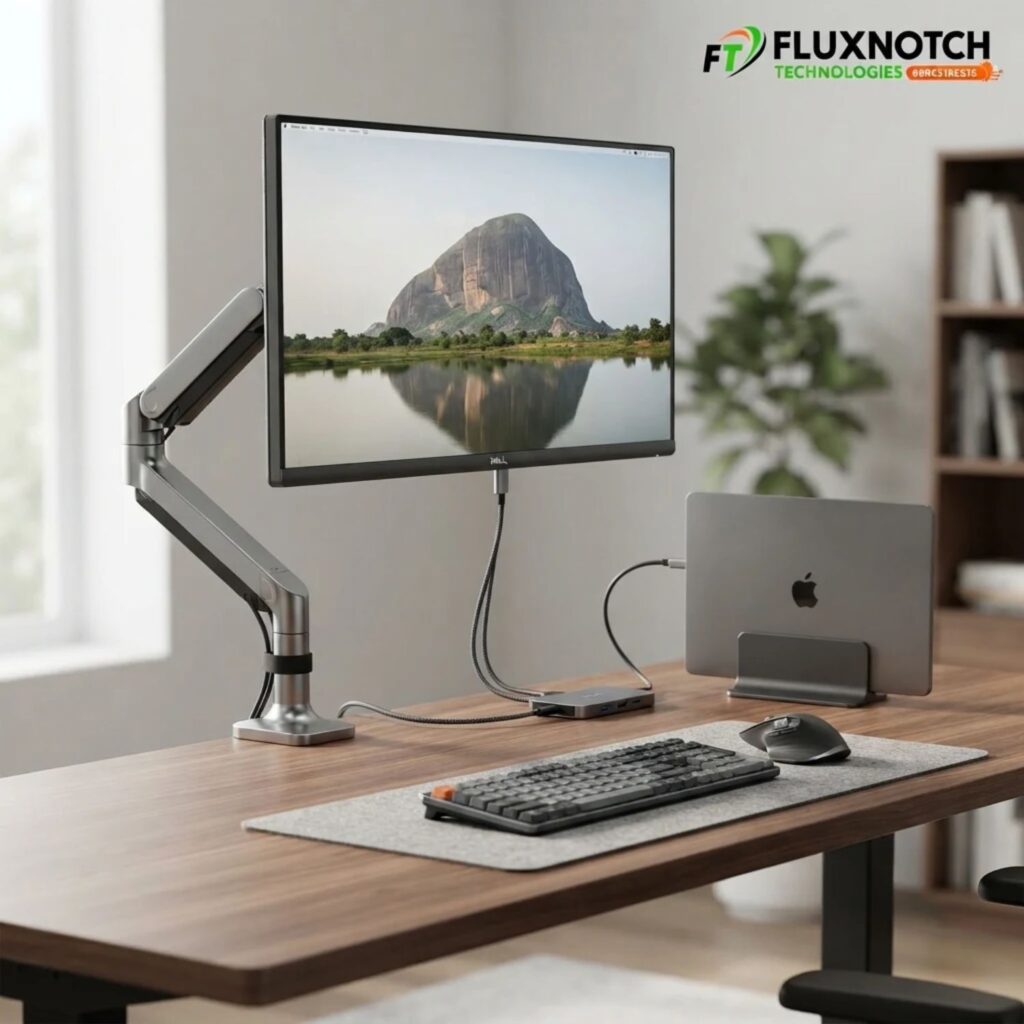
Getting a monitor with excellent resolution and colour performance is important, but those specifications won’t mean much if the display is uncomfortable or inconvenient to use throughout your working day. Imagine spending six to eight hours editing designs or reviewing video footage on a monitor that sits too low, has limited adjustment options or reflects light from your office windows. Over time, your workstation can become frustrating to use, even if the screen itself produces good images. This is why you should consider features such as adjustable stands, height adjustment, tilt and swivel when choosing a monitor. These options make it easier to position the display comfortably. Eye-comfort features such as flicker-free technology and low-blue-light modes may also be useful, although they don’t guarantee that eye strain will be eliminated. The aim is to create a workstation that supports comfortable viewing during long working sessions.
Connectivity is another detail worth checking before you buy. Most monitors offer HDMI, while some also include DisplayPort or USB-C connections. If you regularly connect a laptop, a USB-C monitor that supports video output and power delivery could help reduce cable clutter and make your workstation easier to manage. You should also check whether your computer supports the monitor’s required connections and resolution before making a purchase. For professionals who need additional workspace, a second monitor can be useful for keeping reference materials, editing tools, spreadsheets or communication applications visible without constantly switching windows.
Conclusion — Give Your Work the Display Quality It Deserves
Your skills, creativity and professional experience play important roles in the quality of work you deliver, but the equipment you use can influence how effectively you put those skills into practice. A monitor that struggles to reproduce colours accurately, display fine details or provide enough workspace can make everyday tasks more difficult than necessary. Whether you’re a graphic designer, video editor, photographer, architect or digital professional, your display should support the demands of your work. Pay attention to colour accuracy, resolution, screen size, panel technology, viewing comfort and connectivity before deciding to upgrade. Most importantly, don’t buy a monitor simply because it is expensive or popular. Choose one based on the features that genuinely matter to your profession and budget.
Remember, your monitor won’t replace your expertise or automatically make you better at your job. However, the right display can help you assess your work more accurately, manage your tasks comfortably and make better use of your creative tools. Is it time to give your work a better display? Explore the range of monitors and computer accessories at FluxNotch Technologies and find equipment that supports the quality of work you want to deliver.
