

The Laptop Features That Become Important After Six Months of Daily Use Leave a comment
Introduction
When you first bought your laptop, you were probably more interested in its processor, RAM, storage capacity, and price. It looked good, the specifications seemed impressive, and everything worked as expected. But six months later, after using it for assignments, office work, browsing, meetings, entertainment or running your business, you may begin noticing things you barely considered before. The battery no longer seems to last long enough for your day, the keyboard becomes uncomfortable after hours of typing, the laptop heats up during demanding tasks, or switching between applications feels less convenient than you expected. Suddenly, those small features you overlooked when buying the laptop start making a big difference.
This is something many Nigerian laptop users experience, particularly when their devices handle several responsibilities every day. A laptop is not just something you use occasionally; it may be your office, classroom, creative studio and entertainment centre. That is why choosing one should involve more than looking at impressive specifications or finding the cheapest available option. Welcome to the FluxNotch Technologies blog. In this article, we explore five laptop features that become increasingly important with regular use, why they matter and what to consider before choosing your next device.
Battery Life: How Long Can Your Laptop Actually Keep Up With You?

A laptop battery might not seem like a major concern when you first buy a device, especially if you spend most of your time working near a power outlet. However, your priorities can change when you start carrying your laptop to meetings, attending lectures, working from different locations or travelling. Imagine being in the middle of an important presentation or assignment when your battery warning suddenly appears. In Nigeria, where power supply can be unpredictable, depending entirely on a nearby socket is not always practical. A laptop with good battery endurance gives you more flexibility and reduces how frequently you need to interrupt your work to recharge.
However, advertised battery life does not always reflect what you will experience in everyday use. Screen brightness, background applications, video calls, demanding software, Wi-Fi usage and battery condition can all influence how long your laptop lasts. This is why you should consider both battery capacity and the type of work you intend to perform. Also, remember that batteries naturally lose some capacity over time, although the rate depends on usage, temperature and charging habits. If you regularly work away from a power source, battery performance should be one of your priorities when buying a laptop.
Keyboard and Trackpad Comfort: Can You Work for Hours Without Getting Frustrated?
A laptop keyboard may look perfectly fine when you are testing a device in a shop, but using it for several hours every day can reveal a different experience. Think about a student writing lengthy assignments, an accountant working with spreadsheets, a content writer preparing articles or an employee responding to emails throughout the day. If the keys feel uncomfortable, the spacing is poor or the trackpad is difficult to control, even simple tasks can become frustrating. These are not always the first things buyers consider, but they can influence how comfortable and productive a laptop feels after months of regular use.
Pay attention to key travel, spacing, feedback, keyboard layout and trackpad responsiveness before buying. A comfortable keyboard should allow you to type naturally without constantly adjusting your hands, while a responsive trackpad should make navigation easier. Backlit keyboards can also be useful if you frequently work in dimly lit environments. If your work involves long hours of typing, these features are worth taking seriously. A powerful processor may help your applications run smoothly, but it cannot compensate for a keyboard that makes everyday work uncomfortable.
RAM and Storage: Will Your Laptop Still Handle Your Workload as It Grows?
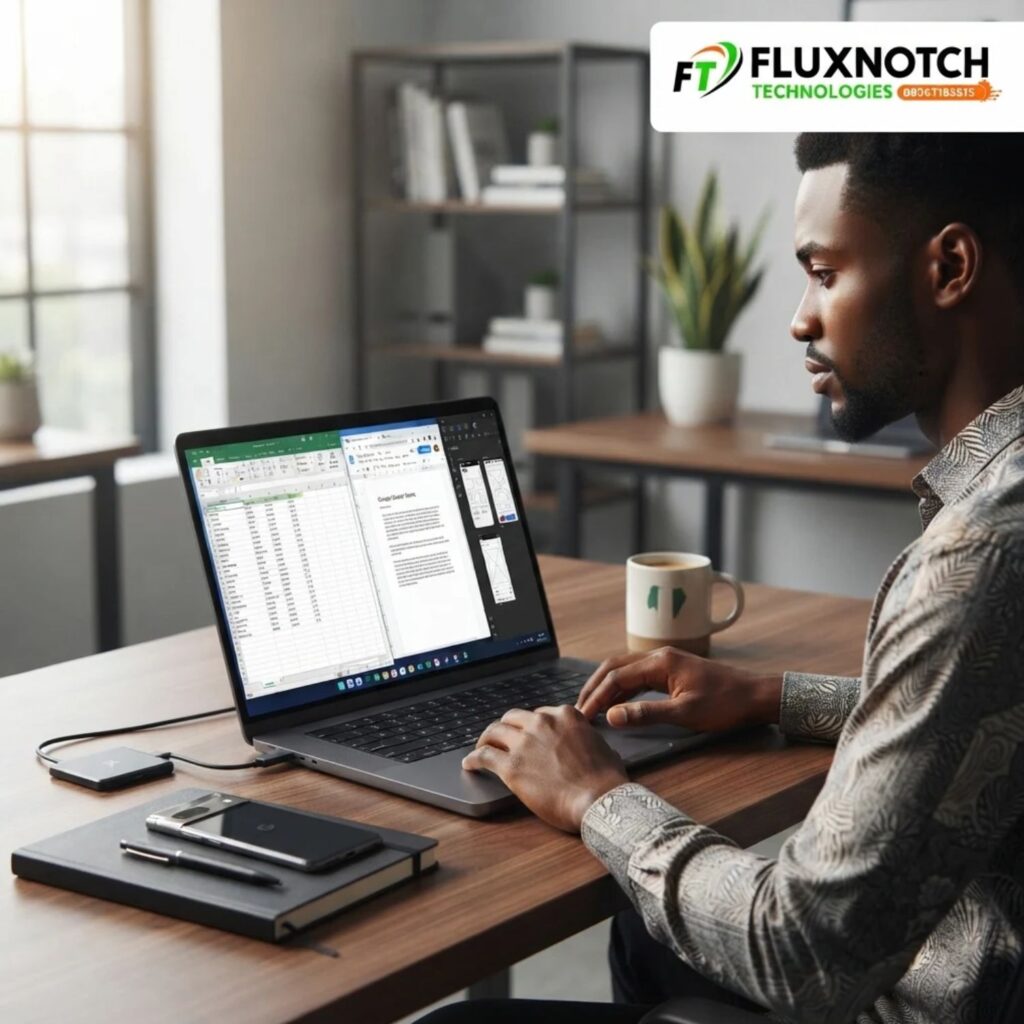
When a laptop is new, you may only have a few applications installed, limited files stored and relatively simple tasks to complete. As months pass, your workload can change. You may install more software, keep several browser tabs open, download larger files and begin using applications that demand more system resources. A laptop that initially felt fast may start struggling when you ask it to handle several tasks simultaneously. This does not automatically mean the device is faulty. It could mean that its memory or storage capacity is no longer comfortable for your growing needs.
RAM plays an important role in multitasking, while storage determines how much data and how many applications your laptop can hold. An SSD generally offers faster boot times and application loading than a traditional HDD, making it an important feature to consider. For many everyday users, 8GB of RAM may be sufficient for basic tasks, but 16GB can provide more breathing room for heavier multitasking and professional workloads. Your actual requirements will depend on the software you use. Before buying, also check whether the RAM is upgradeable, how many storage slots are available and whether the laptop supports future upgrades. These details can help you avoid purchasing a device that becomes restrictive as your needs change.
Build Quality and Cooling: Can Your Laptop Handle Everyday Demands?
A laptop can have impressive specifications and still become frustrating if its physical construction is not suited to regular use. Think about someone who carries their laptop between home, school, the office and business meetings several times a week. The hinges, chassis, keyboard and ports are exposed to repeated handling. Over time, a poorly constructed device may become more vulnerable to loose hinges, damaged ports, keyboard problems or other physical issues. This is why build quality deserves attention before purchase, particularly if your laptop will travel with you frequently. Check how firmly the screen opens and closes, whether the chassis feels sturdy and whether the ports are positioned conveniently for your accessories.
Cooling is equally important. When you use demanding applications, attend long video meetings or work with several programmes simultaneously, your laptop generates heat. Its cooling system helps manage that heat and maintain stable performance. Poor ventilation, blocked air vents, dust accumulation and demanding workloads can contribute to excessive temperatures. If a laptop regularly becomes uncomfortably hot or its fans run loudly, it may be struggling to manage its workload or may require maintenance. Look for a device with a cooling design suited to your intended use, and avoid placing it on soft surfaces that block its ventilation. A laptop should be able to support your daily activities without constant overheating interruptions.
Display Quality and Connectivity: Are You Comfortable With Everything Your Laptop Offers?
You might not think much about your laptop display during the first few days of ownership, but its importance becomes clearer when you spend several hours reading, designing, watching videos or working with multiple windows. A display with poor viewing angles, limited brightness or uncomfortable colour reproduction can make everyday tasks less enjoyable. For professionals such as graphic designers, photographers and video editors, display quality can also influence the accuracy of their work. Consider screen resolution, brightness, panel technology, viewing angles and size when comparing laptops. An IPS display, for example, generally offers better viewing angles than many traditional TN panels, although actual display quality varies between models. The right choice depends on your work environment and what you need to see on screen.
Connectivity is another feature that becomes more important as your setup grows. You may eventually need to connect an external monitor, printer, mouse, keyboard, storage device, projector or other accessories. A laptop with limited ports can make these everyday activities less convenient, especially if you regularly connect several devices. Check whether the laptop offers the connections you need, including USB-A, USB-C, HDMI and an audio jack where applicable. Also confirm what each port supports, since not every USB-C port provides video output or charging. Having the right display and connectivity options can make your laptop more adaptable as your work requirements change.
Conclusion: Buy a Laptop for the Experience You Will Have, Not Just the Day You Purchase It
The true value of a laptop becomes clearer when you use it consistently. A device that looks impressive in a product listing may not necessarily deliver the everyday experience you need. Battery life determines how freely you can work away from a power outlet, keyboard comfort influences long working sessions, RAM and storage support your growing workload, while build quality and cooling affect everyday reliability. Display quality and connectivity also determine how comfortably your laptop fits into your personal or professional setup.
Before buying your next laptop, think beyond the specifications that look attractive on paper. Consider how many hours you will use it, the applications you depend on, where you will work and whether your needs are likely to change. A slightly more suitable configuration may offer better long-term value than a cheaper device that struggles to keep up with your routine. You do not necessarily need the most expensive laptop; you need one that is properly suited to your everyday responsibilities.
At FluxNotch Technologies, you can explore laptops from different brands and compare their features to find a device that matches your requirements and budget. Make a more informed purchase today and choose a laptop you can depend on long after the excitement of buying it has passed.
