
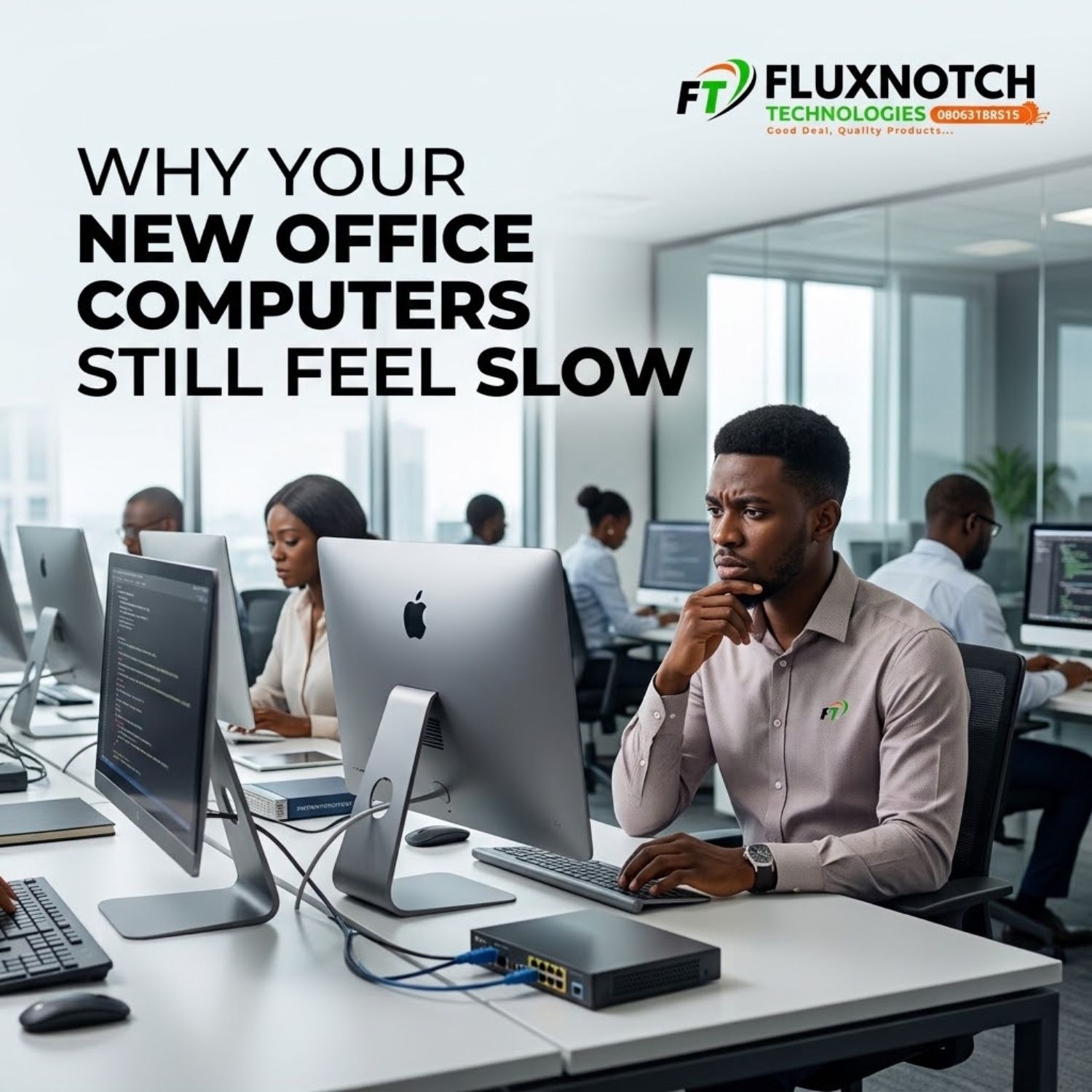
Get To Know Why Your New Office Computers Still Feel Slow Leave a comment
Introduction
Buying new computers for your office should make work faster. So when employees start complaining that the “new computers” are still slow, it can feel like something went seriously wrong with the purchase. But a new computer does not automatically guarantee better productivity.
Sometimes the hardware is perfectly capable and the real problem is what is running on it. Too many startup applications, unnecessary background processes, poorly configured software, browser overload and outdated drivers can all affect how quickly a computer responds. Before assuming you bought the wrong machines, it is worth checking what is happening inside the system. A computer with good specifications can still perform poorly when it is overloaded with unnecessary software or badly configured for the work it needs to do.
Explore computers for modern business and office needs
The Problem May Not Be the Computer

Your office computers do not work in isolation. They depend on your network, storage, applications and other systems to deliver a smooth experience. If several employees are downloading large files, accessing cloud applications, transferring data or using bandwidth-heavy services at the same time, network congestion can make computers feel slow even when the machines themselves are performing normally.
Storage can also become a problem. A drive that is nearly full can affect system performance, while insufficient RAM can make multitasking frustrating, particularly when employees are working with numerous browser tabs and applications. Before replacing a machine, check whether the problem is actually related to RAM, storage, network performance or software. Diagnosing the bottleneck first can prevent your business from spending money on unnecessary replacements.
Find the right computer setup for your business
New Computers Still Need Proper Configuration

Another commonly overlooked issue is system configuration. A new office computer may arrive with applications, startup programs, security tools and other processes that employees do not necessarily need running all the time. If every computer is configured differently, your IT environment can also become harder to manage and troubleshoot.
Businesses should establish sensible configurations for the software their employees actually use, keep operating systems and essential drivers updated, remove unnecessary applications and ensure adequate storage and RAM for each employee’s workload. For larger offices, standardising computer configurations can also make maintenance easier and help IT teams identify problems faster. In other words, buying better computers is only one part of improving office productivity; configuring and maintaining them properly matters too.
Upgrade your business computer setup with the right solutions
Conclusion: Diagnose Before You Replace

If your new office computers are still slow, do not immediately assume you need another round of replacements. Start by identifying where the slowdown is coming from. Check startup applications and background processes, review RAM and storage usage, examine network congestion and confirm that the computers are properly configured for the software your employees use. If the hardware genuinely cannot handle the workload, then upgrading or replacing it may be the right decision.
But if the problem is software, configuration or network related, buying another computer may simply repeat the same mistake. The smartest businesses do not just buy faster computers; they build computer systems that are properly matched, configured and maintained for the way their teams actually work.
Explore business computers and technology solutions from FluxNotch Technologies
