
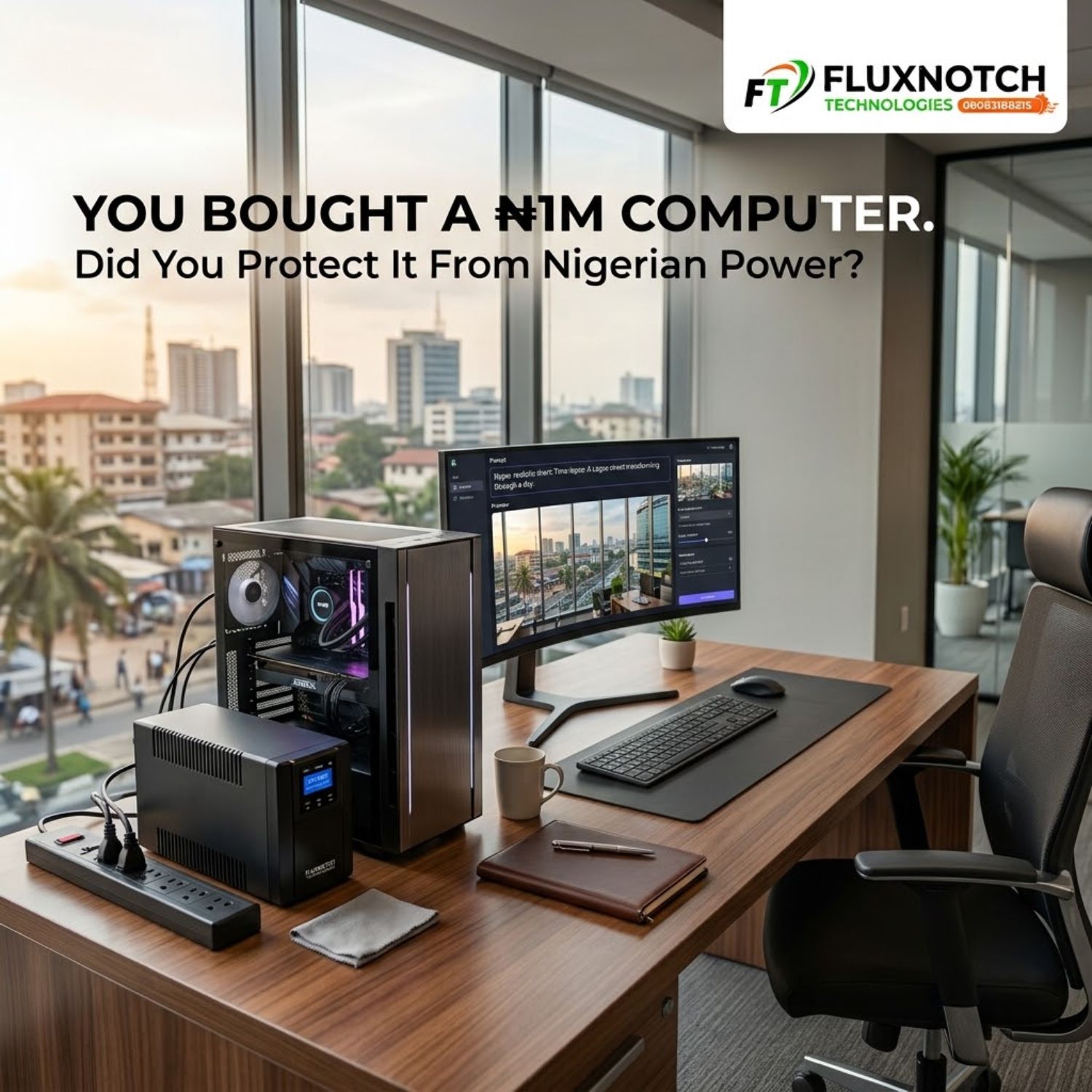
You Bought a ₦1 Million Computer. Did You Protect It From Nigerian Power? Leave a comment
Introduction
Spending ₦1 million on a computer is not a small decision. You probably compared the processor, RAM, storage, graphics, display and overall performance before finally deciding what to buy.
But there is one question many buyers forget to ask: what happens when that ₦1 million computer meets Nigerian power?
Power outages are frustrating, but they are not the only concern. Voltage fluctuations, sudden surges and unexpected shutdowns can affect sensitive electronic equipment. If you have invested heavily in your computer, protecting it from unstable power should be part of the purchase, not something you think about after something goes wrong.
Your Computer Is Only as Safe as the Power Feeding It
When people talk about bad electricity, the first thing that usually comes to mind is a blackout. The power goes off, the computer shuts down and everyone waits for it to return.
The bigger issue is that electricity problems can happen even when there is power.
Voltage can fluctuate, drop below normal levels or suddenly rise. These changes can affect sensitive electronics and may cause instability, unexpected shutdowns or, in severe cases, equipment damage.
This becomes even more important with high performance computers. A powerful desktop may contain an expensive processor, graphics card, motherboard, storage drives and power supply. Every one of these components depends on stable electrical power.
So the question is not simply whether your computer can turn on.
The question is whether the electricity supplying it is stable enough for the computer you paid for.
Protect your computer before the next power problem does the damage. Explore power and backup solutions at FluxNotch Technologies.
An Extension Box Is Not Power Protection
This is one of the easiest mistakes to make.
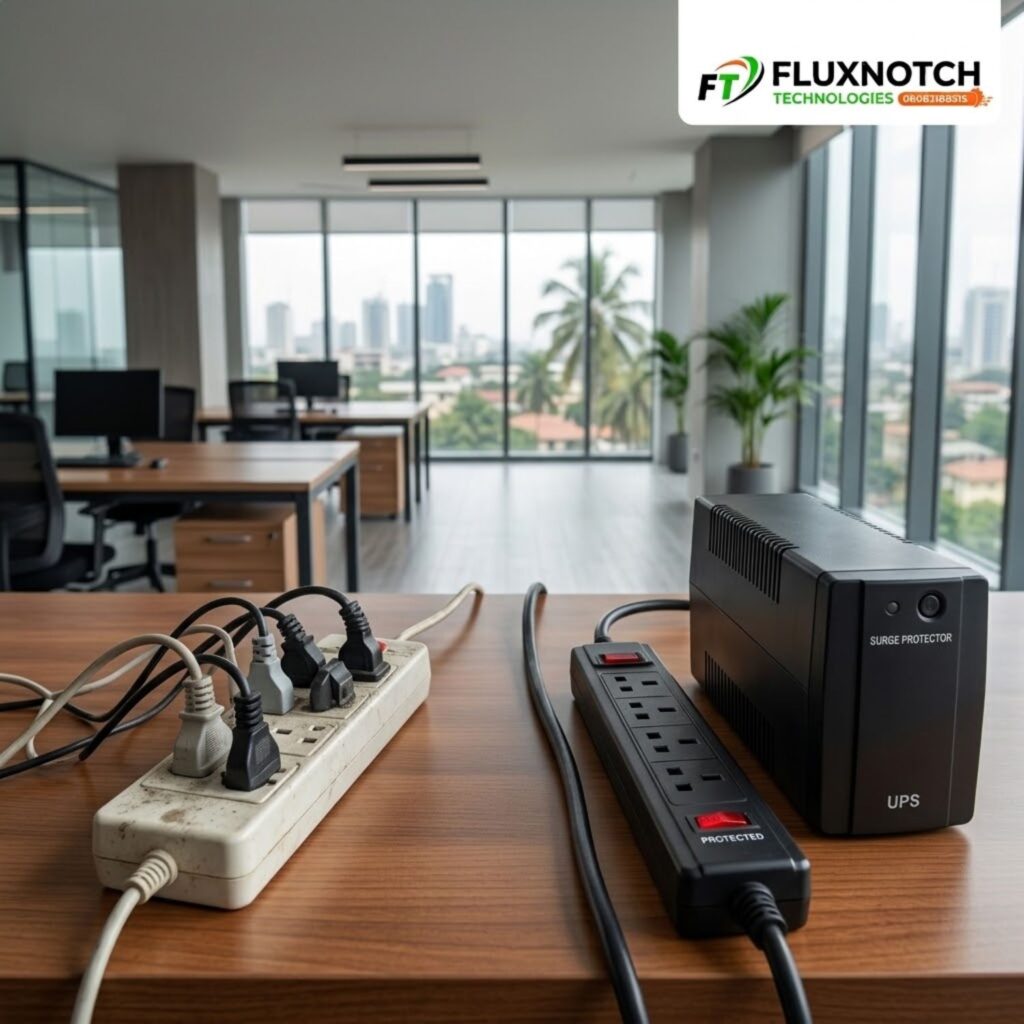
You buy your computer and discover that you also need to connect a monitor, speakers, router, printer, external drive and other accessories. So you buy an extension box and plug everything into it.
The problem is that an extension box mainly gives you additional sockets. It does not automatically protect your equipment from every electrical problem.
A proper surge protection device is designed to help protect connected electronics from sudden voltage spikes. A UPS, meanwhile, can provide battery backup when electricity fails and may also help manage certain power disturbances, depending on the model.
That difference matters.
More sockets do not automatically mean safer electricity.
If your computer is expensive enough to cost ₦1 million, its power protection should be chosen with the same level of attention as the computer itself.
What a UPS Actually Does
A UPS, or Uninterruptible Power Supply, is one of the most practical ways to protect a computer setup from sudden power loss.
When electricity goes off, a suitable UPS can temporarily keep your computer running from its battery. This gives you time to save your work and shut the computer down properly instead of having everything disappear instantly.
Think about what that means for someone working on a business proposal, editing a video, designing graphics, writing a report or handling important company files.
A sudden outage does not just interrupt electricity. It interrupts your work.
A UPS can give you valuable time to respond.
However, choosing a UPS should not be based on price alone. You need to consider the power requirements of your computer, monitor and other connected equipment. A powerful workstation may require considerably more capacity than a basic office computer.
The amount of backup time you want also matters.
Your ₦1 Million Computer May Need More Than a Basic UPS

Not every expensive computer consumes the same amount of power.
A high performance gaming PC, workstation or video editing computer can draw considerably more power than a basic laptop or office desktop. Add a large monitor, external drives, speakers and networking equipment, and the total load increases.
This is why buying the cheapest UPS you can find is not necessarily a smart solution.
Instead, look at your entire setup.
How much power does the computer consume? What about the monitor? Are you connecting other devices? How long do you need the system to remain powered during an outage?
Some higher end UPS systems also provide features such as voltage regulation, monitoring and different types of output designed for sensitive equipment.
The right choice therefore depends on the computer and the environment in which it will be used.
What About Surge Protectors?
A surge protector and a UPS are not exactly the same thing.
A surge protector is designed primarily to help protect connected equipment from sudden increases in voltage. It can be useful for computers, monitors, networking equipment and other sensitive electronics.
A UPS serves a different purpose because it can provide temporary battery power when electricity fails.
That means a surge protector cannot keep your computer running during a blackout simply because it is protecting the computer from surges.
For some setups, surge protection may be enough for specific equipment. For others, particularly computers where unexpected shutdowns can cause major disruption, a suitable UPS may be more appropriate.
The important thing is understanding what each device is designed to do instead of buying something simply because the packaging says “protection.”
Not sure whether your setup needs a UPS, surge protector or another power solution? Explore computer protection options at FluxNotch Technologies.
Do Not Protect the Computer and Forget Everything Connected to It
Your computer is rarely working alone.
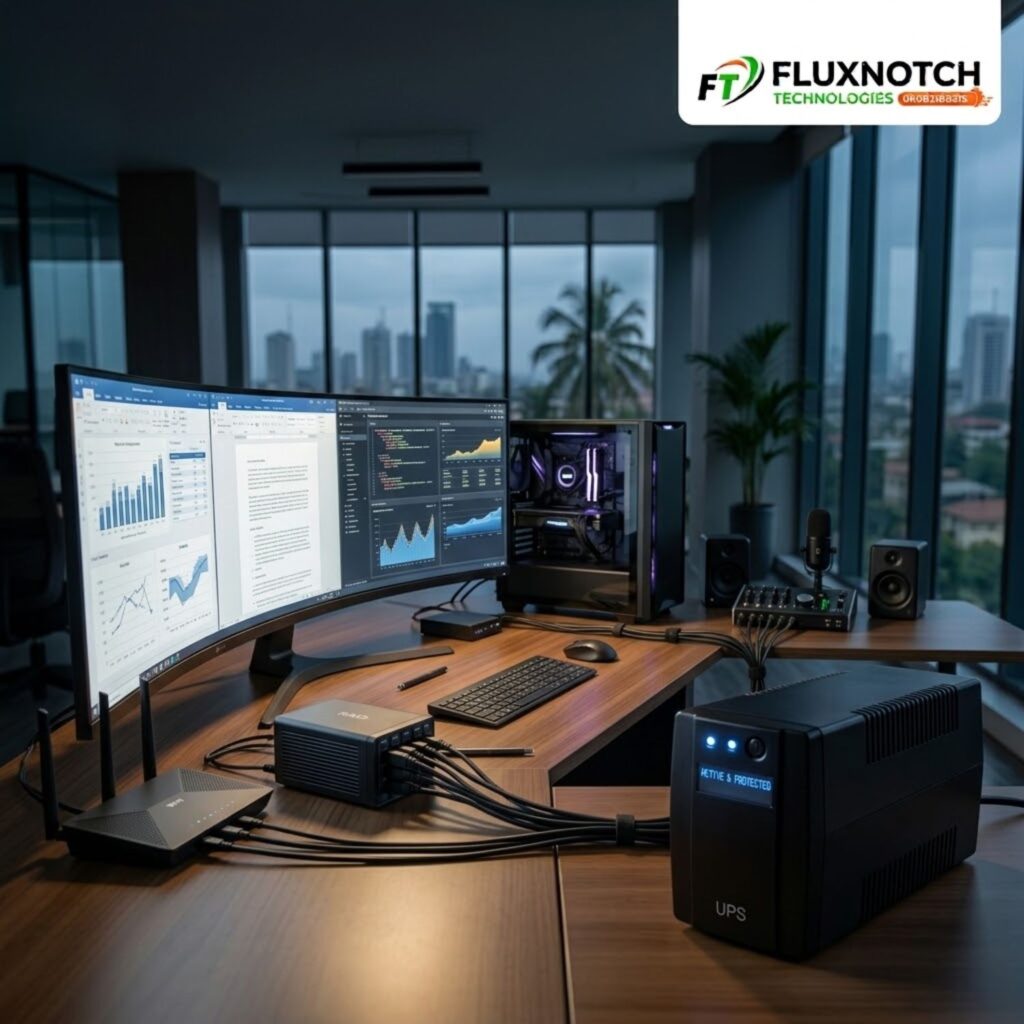
You may have a monitor, router, external hard drive, printer, speakers or networking equipment connected around it. In a professional environment, several of these devices may be essential to your daily work.
Protecting only the computer can therefore leave the rest of your setup exposed.
This is particularly important for people who rely on internet connectivity. A computer may remain powered during an outage while the router shuts down, leaving you unable to continue working online.
Your entire workstation should be considered as a system.
That does not mean every device must necessarily be connected to one UPS. It means you should understand which equipment is important, how much power it requires and what type of protection it needs.
Your Electrical Installation Matters Too
Even the best UPS or surge protection device cannot compensate for a fundamentally unsafe electrical installation.
Loose sockets, damaged cables, exposed wiring, burning smells, sparks or unusual electrical behaviour should not be treated as normal parts of using a computer in Nigeria.
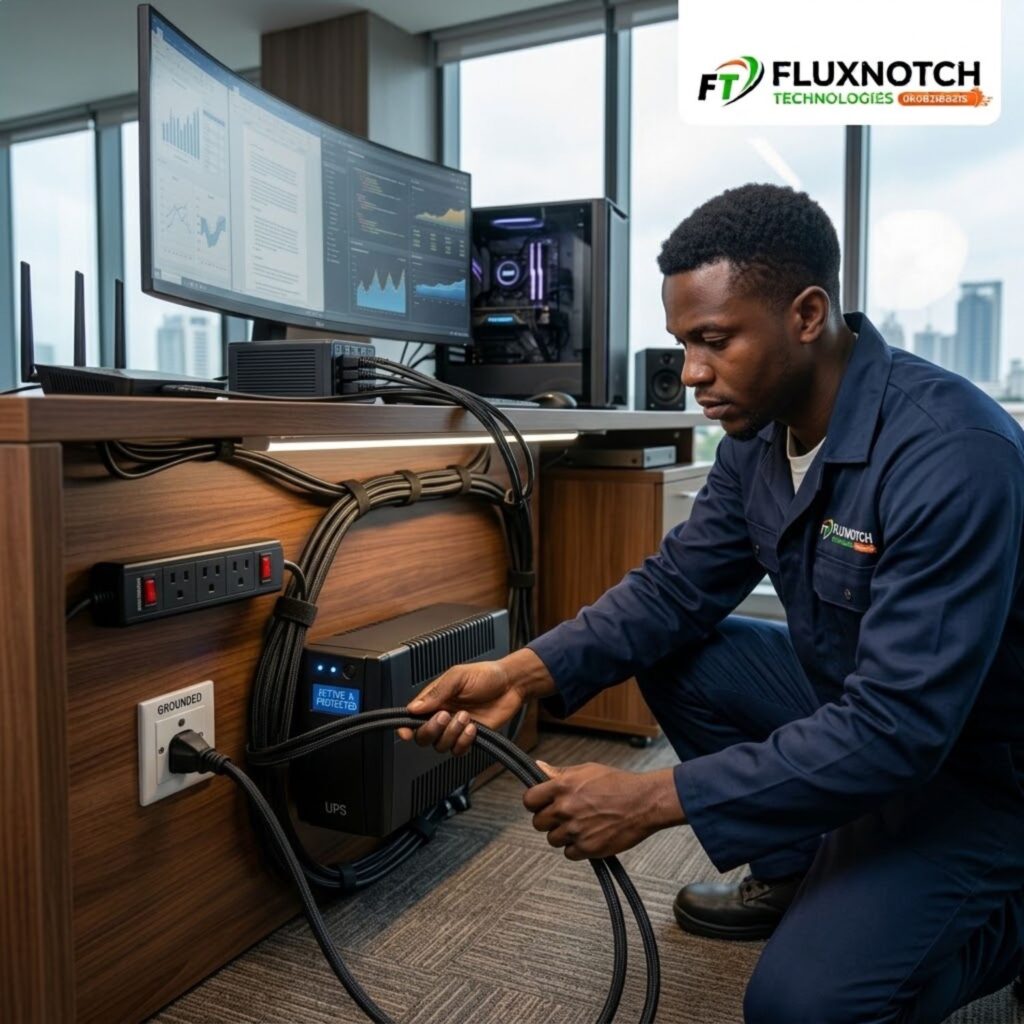
Your computer should be connected to a properly installed electrical system with appropriate grounding.
You should also avoid overloading sockets, extension boxes or UPS units beyond their rated capacity.
And if you are using a UPS, follow the manufacturer’s installation instructions. Different models have different requirements, and connecting power equipment incorrectly can reduce the protection it is supposed to provide.
For a ₦1 million computer, proper electrical installation is part of the investment.
Setting up an expensive computer? Explore reliable computer and power solutions at FluxNotch Technologies for a safer workstation.
Protect the Investment, Not Just the Computer

It is easy to look at a UPS or surge protector as another expense after already spending a large amount on a computer.
But consider what you are actually protecting.
You are protecting the computer itself, your files, your work, your time and the equipment connected to it.
Imagine spending an entire day working on a project only for an unexpected outage to shut everything down. Or imagine dealing with a damaged component when the computer is still relatively new.
Power protection does not guarantee that equipment can never fail. Nothing does.
What it can do is reduce your exposure to certain electrical problems and give you a safer way to deal with power interruptions.
The goal is not to buy the most expensive protection equipment available.
The goal is to buy the right protection for the equipment you actually own.
The ₦1 Million Question You Should Ask
Buying the right computer is important.
But if you are spending ₦1 million on the machine and then connecting it directly to an unpredictable power supply without considering protection, you may be overlooking an important part of the investment.
Think about your computer’s power requirements. Consider how often you experience outages or fluctuations. Look at the equipment connected to your workstation. Then choose the appropriate combination of UPS, surge protection and other power solutions.
You do not necessarily need the biggest UPS or the most expensive protection device.
You need protection that matches your computer, your workload and your environment.
Because when you spend ₦1 million on a computer, the purchase does not end when the receipt is printed.
Protecting the computer is part of owning it.
